
Most automatic door faults show up as a door that will not respond, will not close fully, reverses for no clear reason, stops mid-travel or makes an unusual noise. A facility team can safely check power, obstructions, sensor cleanliness and the operating mode. Anything beyond that, such as opening covers or touching the motor, springs or control board, is work for a trained technician.
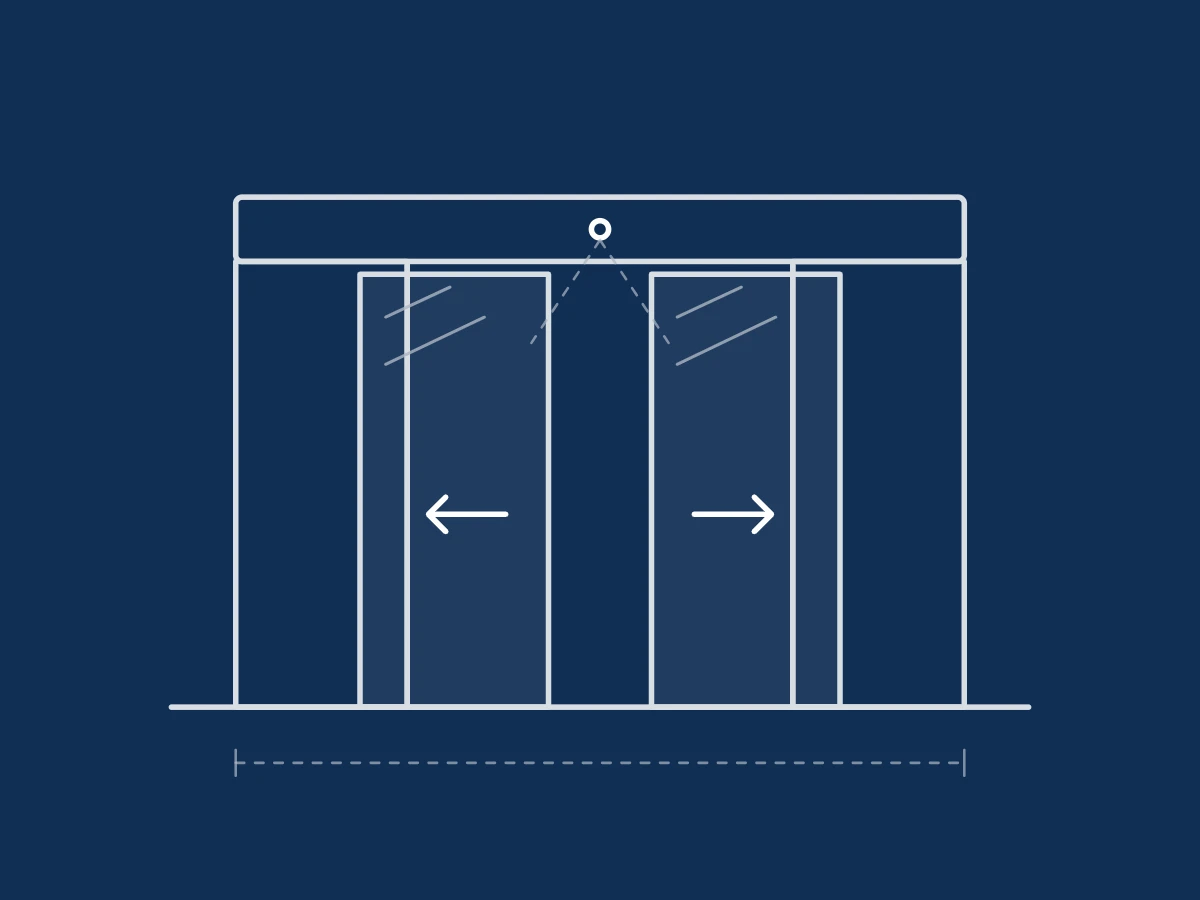
This guide covers what your team can do in the first few minutes, what to leave alone, and how to report the fault so the technician arrives with a good idea of the problem. The causes listed are general and possible, not a diagnosis. The actual diagnosis happens on site.
What should you do first?
Safety first, then information. Before anyone tries to restart the door, make sure the area is safe and nobody is in its path.
-
Secure the area
Keep people and vehicles clear of the door path, and put up a temporary notice if the entrance is in use.
-
Do not force the door
Pushing or pulling a door that is still in automatic mode can make the damage worse or cause injury.
-
Note what happened
When the fault started, what was going on at the time, and whether there was a noise, an impact or a power cut.
-
Inform the right person
If the door is on an escape route or affects site security, tell the safety or security lead straight away.
What are the common faults and their likely causes?
The table links each symptom to general possible causes and a check your team can make safely. It does not replace a technical diagnosis.
| Symptom | Possible causes | Safe check by site team |
|---|---|---|
| No response at all | Power loss, tripped breaker, mode switch set to off or locked, control board fault | Confirm power and the mode switch position per the operating instructions |
| Opens but will not close, or reverses | Something in the sensor field, dirty sensor, sensor knocked out of position | Clear obstructions and wipe the sensor face with a soft dry cloth |
| Stops mid-travel | Obstruction in the track, friction, safety device triggering | Look along the track without touching moving parts |
| Opens with nobody there | Sensor picking up nearby movement or moving objects | Move signs, curtains or swinging objects out of the sensor field |
| Unusual noise or vibration | Wear, loose parts, adjustment or lubrication needed | Stop using the door if the noise is new and call a technician |
| Industrial door moving unevenly or heavily | Possible spring, cable or guide problem | No checks. Stop the door and call a technician |
| Card or reader not opening the door | User permission, reader, or system integration | Confirm the card is valid with the access control administrator |
Which checks are safe for the facility team?
A safe check is one that does not involve opening a cover or touching moving parts or wiring.
- Power: is the building or zone without power, and is the door breaker in its normal position? Only staff authorised to work on electrical panels should check this.
- Obstructions: goods, pallets or debris on the floor, in the track or in front of sensors.
- Sensor cleanliness: dust is a frequent cause of poor sensor response, and a wipe with a soft dry cloth is often enough.
- Operating mode: has someone switched the selector to hold-open, locked or off? Check the operating instructions supplied at handover.
- Recent changes: cleaning, moved stock, new signage or nearby works that may affect sensors or the track.
- Manual operation: if the opening must be used, follow only the manual operation method in the operating instructions.
When should you stop and call a technician?
Stop and call a technician if you see any of the following. Carrying on can put people at risk or turn a small fault into a large one.
- An industrial door hanging unevenly, or a cable or spring that looks loose or broken. Tensioned springs are dangerous and only a trained technician should handle them.
- A burning smell, smoke, or unusual heat from the motor or control panel.
- Exposed wires or broken covers.
- Cracked or broken glass on a glazed door.
- A door that does not stop or reverse when something is in its way.
- Any fault on a door that forms part of an escape route. Inform the site safety lead as well.
- The same fault returning after the safe checks.
How do you report automatic door faults for quick diagnosis?
Vally World clients report faults by phone or WhatsApp. The clearer the report, the better the technician can prepare likely parts and tools before the visit.
- Location: site name, city, and door number or position.
- Photo or video: showing the door when operated and the symptom as it happens.
- Nameplate: a clear photo of the motor or control panel nameplate, if it can be reached safely.
- Description: what happened and when, and whether the fault is constant or intermittent.
- Checks done: which safe checks your team carried out and what they found.
- Current state: door open or closed, and whether it affects operations or security.
How do you reduce repeat automatic door faults?
Sudden breakdowns become less frequent when small problems are caught early. Vally World offers preventive automatic door maintenance contracts with scheduled visits and a report after each one, with spare parts either included or quoted separately, plus corrective call-outs outside a contract. Our automatic door maintenance guide explains what a routine visit should cover.
If you have an in-house maintenance team, spare parts can be bought without installation once the part or system is identified from photos of the nameplate or the part itself. For technical questions after installation or an assessment of an existing system, see after-sales support. If an old industrial door keeps failing, our guide on whether to repair or replace old industrial doors may help.
If a fault needs a part replaced, ask whether the new part conforms to the standards adopted by the Saudi Standards, Metrology and Quality Organization (SASO).
Frequently asked questions about automatic door faults
Can we reset the control panel ourselves?
Only if the operating instructions allow it and an authorised person does it. Do not open the control panel or change its settings. That is technician work.
Can we buy the part and fit it with our own team?
Parts can be bought from Vally World without installation once the part is identified. Whether your team should fit it depends on the part. Anything involving springs, the motor, the control panel or safety devices is best fitted by a trained technician.
What if the door fails in the open position after hours?
Secure the opening by other means, use manual closing if the operating instructions allow it, then report the fault by phone or WhatsApp with a photo of the situation.
Can we request an inspection of a door Vally World did not install?
Yes, you can request an inspection visit for an existing system. Repair and parts availability depend on identifying the system, so send nameplate photos with your request.